+1 (800) 844-6603
 Facebook page
POS Systems
 ORO POS
 ORO Web POS
 Siiopa Android POS
 Floreant POS
More Products
Floreant POS
More Products
 Menugreat - Online Order
 ORO Kiosk - Self Service
ORO POS
ORO Web POS
Siiopa Android POS
Floreant POS
More Products
Menugreat - Online Order
ORO Kiosk - Self Service

Kitchen Display

POS in your language

Advanced Reports

Customer Monitor
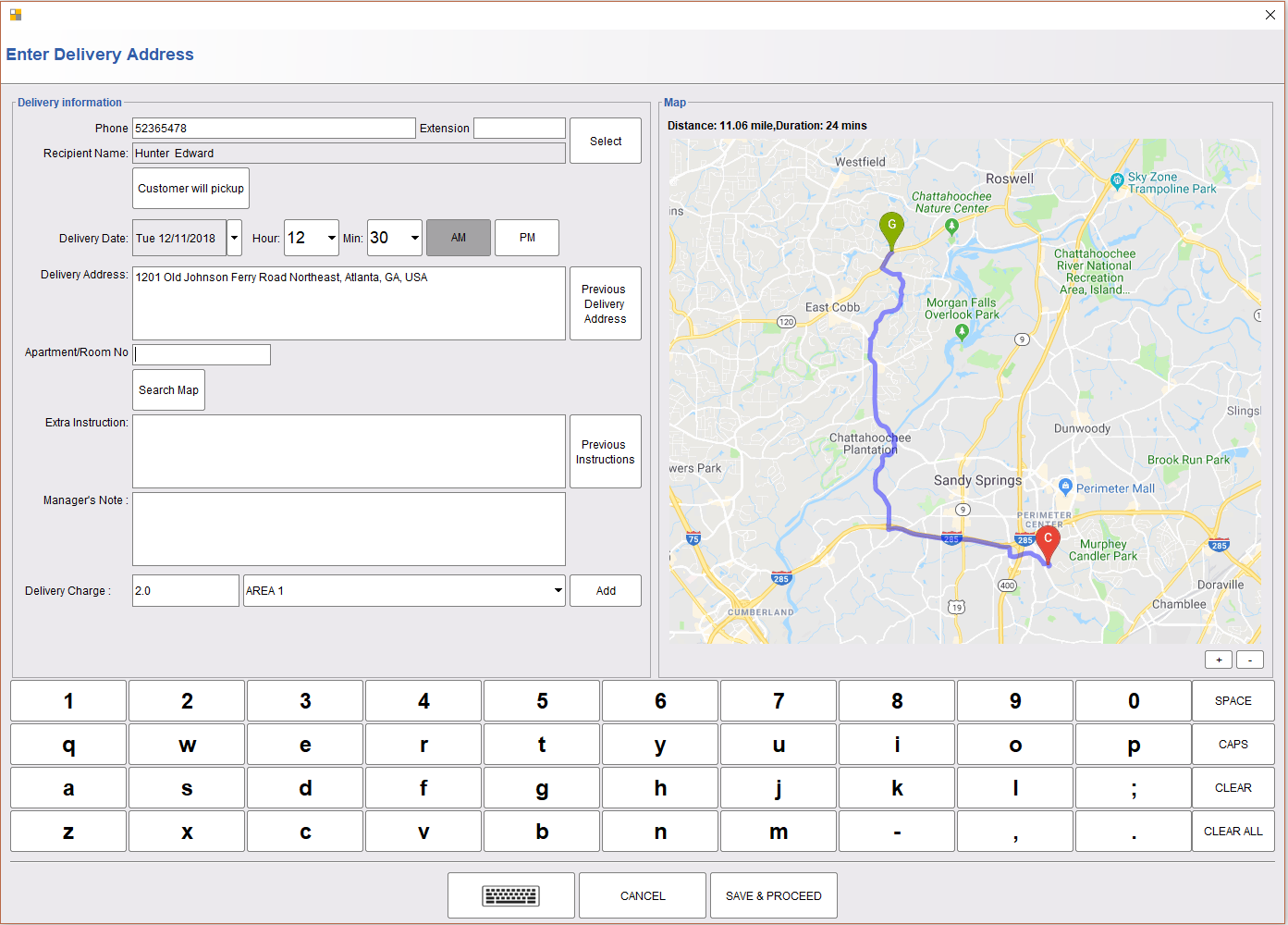
Home Delivery and Pickup
- Take delivery orders in only a few clicks.
- Search existing customer by phone
- Assign driver.
- Filter orders by time.
- Automatically bump items to the kitchen before delivery.
- Highlight late deliveries by Red and Yellow.
- Save delivery history and reorder.
LEARN MORE

Intuitive Pizza Designer
The fast and accurate Pizza ordering system
- Support various sizes of Pizza: Personal, Small, Large, Extra large or custom sizes of Pizza
- Different curst types.
- Graphical modifier window for full, half and quarter section.
- Pizza price builder by Sizes, Crusts, and Multipliers.
- Sections and full-size topping pricings
- Modifier price by pizza sizes.
Brew Beautiful Receipts in the Back-office


Manage Bar Tabs
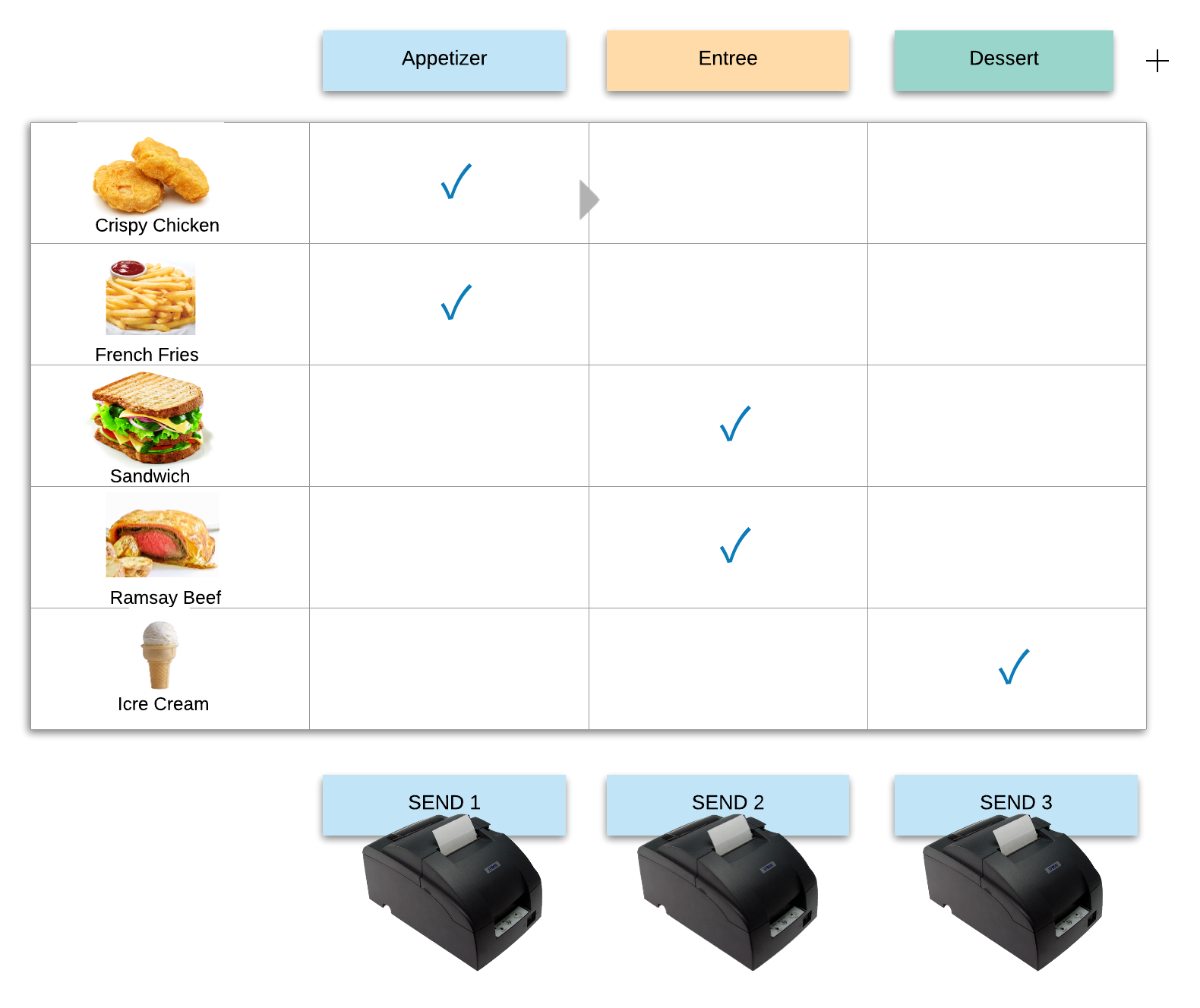
Meal Courses


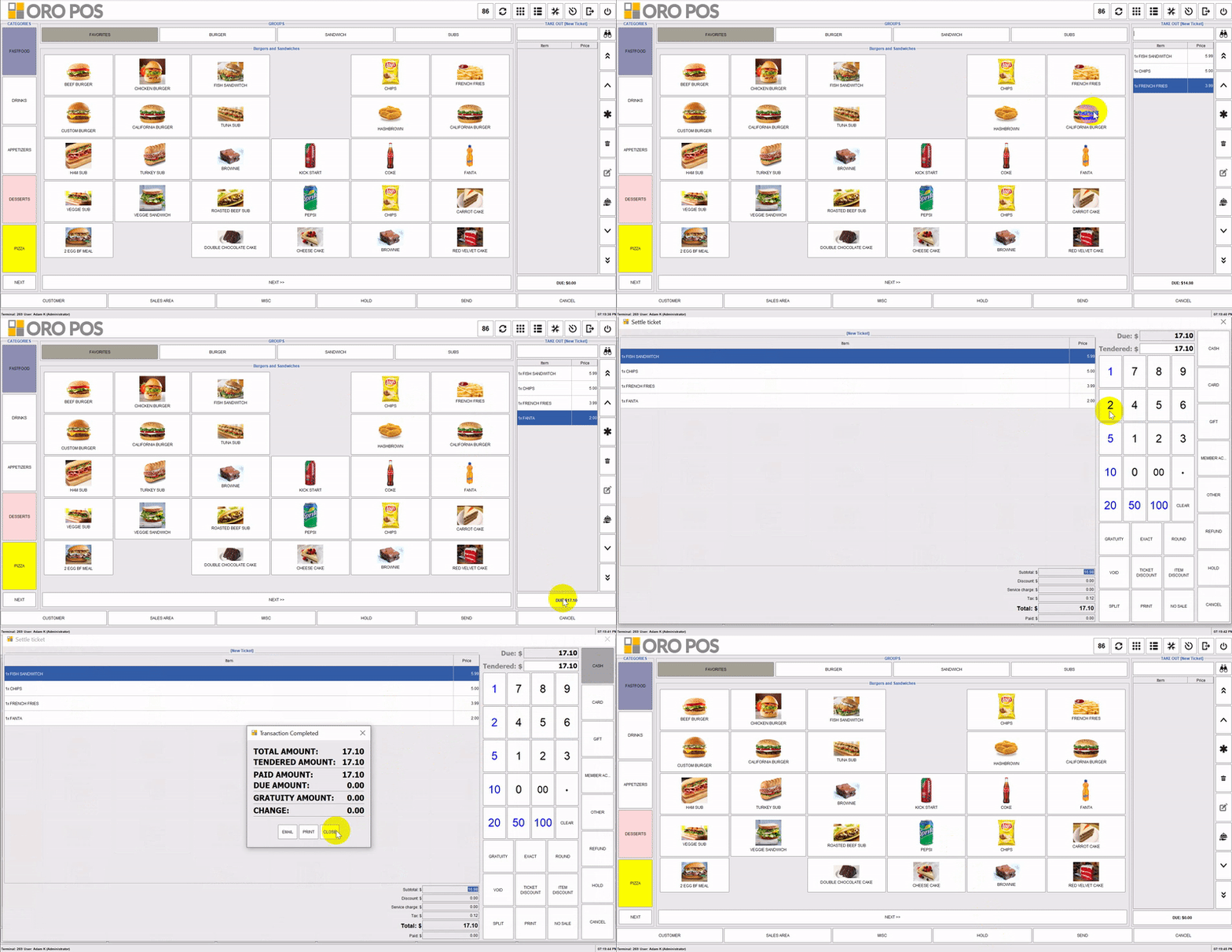
Toggle Ticket-pane
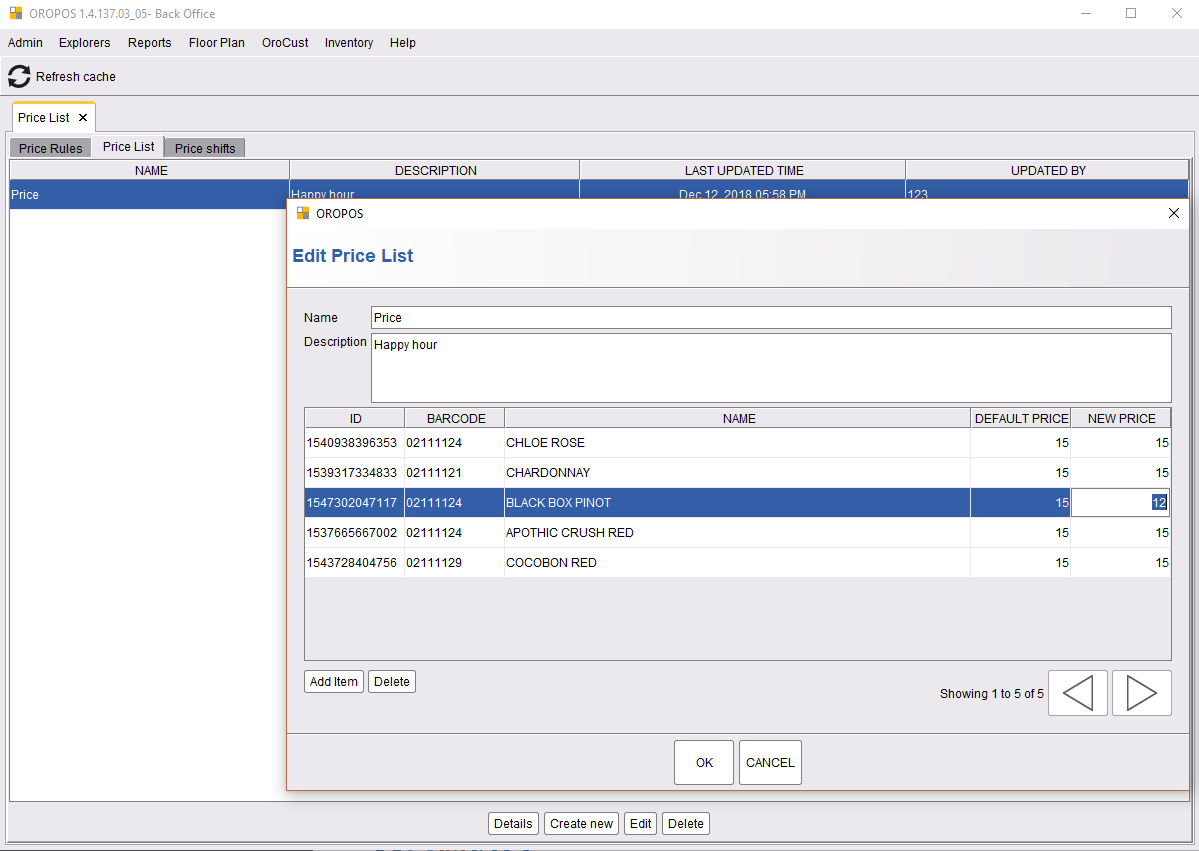
Shift-wise pricing

Splitting and merging ticket
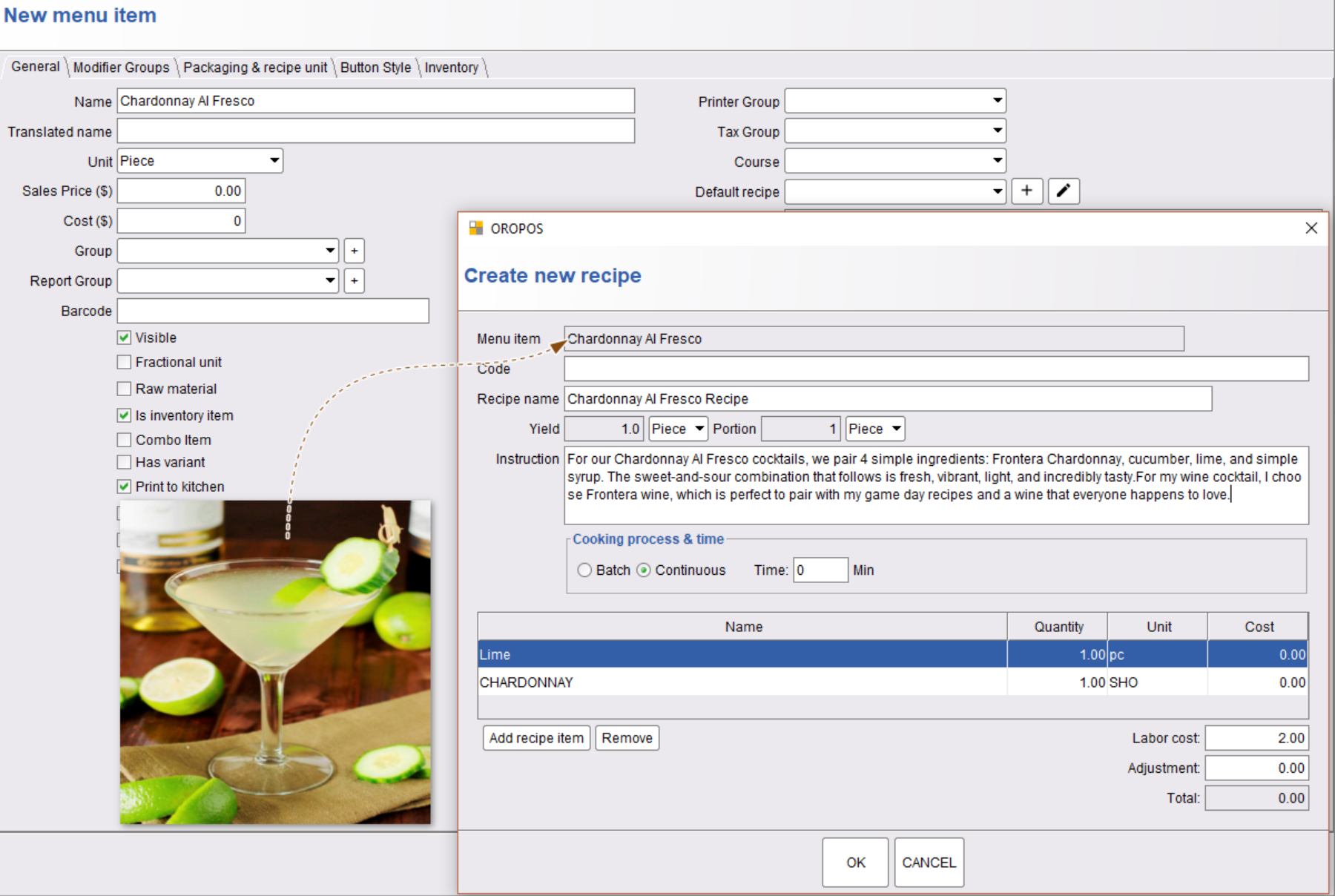
Wine Recipe
Inventory
- Purchase Order
- Full and partial receiving of orders.
- Multi-location stock maintenance.
- Recipe/BoM
- Transfer items.
- Convert units.
- Stock count operating.
- Avg and Last price costing.
- Vendor database.
Inventory is shipped as a plugin.

Efficient Employee Management


Integrated Gift Card System
Lightning Speed